On January 1, 2026, EDSI will be transitioning their HRIS (Human Resource Information System) from UKG to Workday. With Workday, it will be one system that eventually encompasses all modules from Recruitment to Retirement, including Expenses and Benefits. On this webpage, you will find training materials to help you prepare for the transition.
If you have any questions about Workday, please use the link below to submit a ticket!
Click here to access Workday!
CLICK HEREIf you are need of any assistance with Workday, please submit a ticket!
CLICK HERETraining Videos
How to Log Into Workday
How to log into Workday via SSO or a direct login.
For first-time Direct Login users (Non-EDSI e-mail address), the default Workday password is your birthdate: MMDDYYYYEdsi!
If you are having trouble logging into Workday with the password above, please submit a support ticket.
How to Complete Your Timesheet
An overview of the three different methods to complete your timesheet in Workday.
How to Submit, Edit and Cancel PTO
Learn how to submit PTO, edit and cancel PTO request(s).
How to Apply for a Position
Learn how to apply for an internal EDSI position.
Start Job Requisition
A quick look at starting a job requisition.
Recorded Webinar
Workday Training Webinar
View a previously recorded Workday Overview webinar.
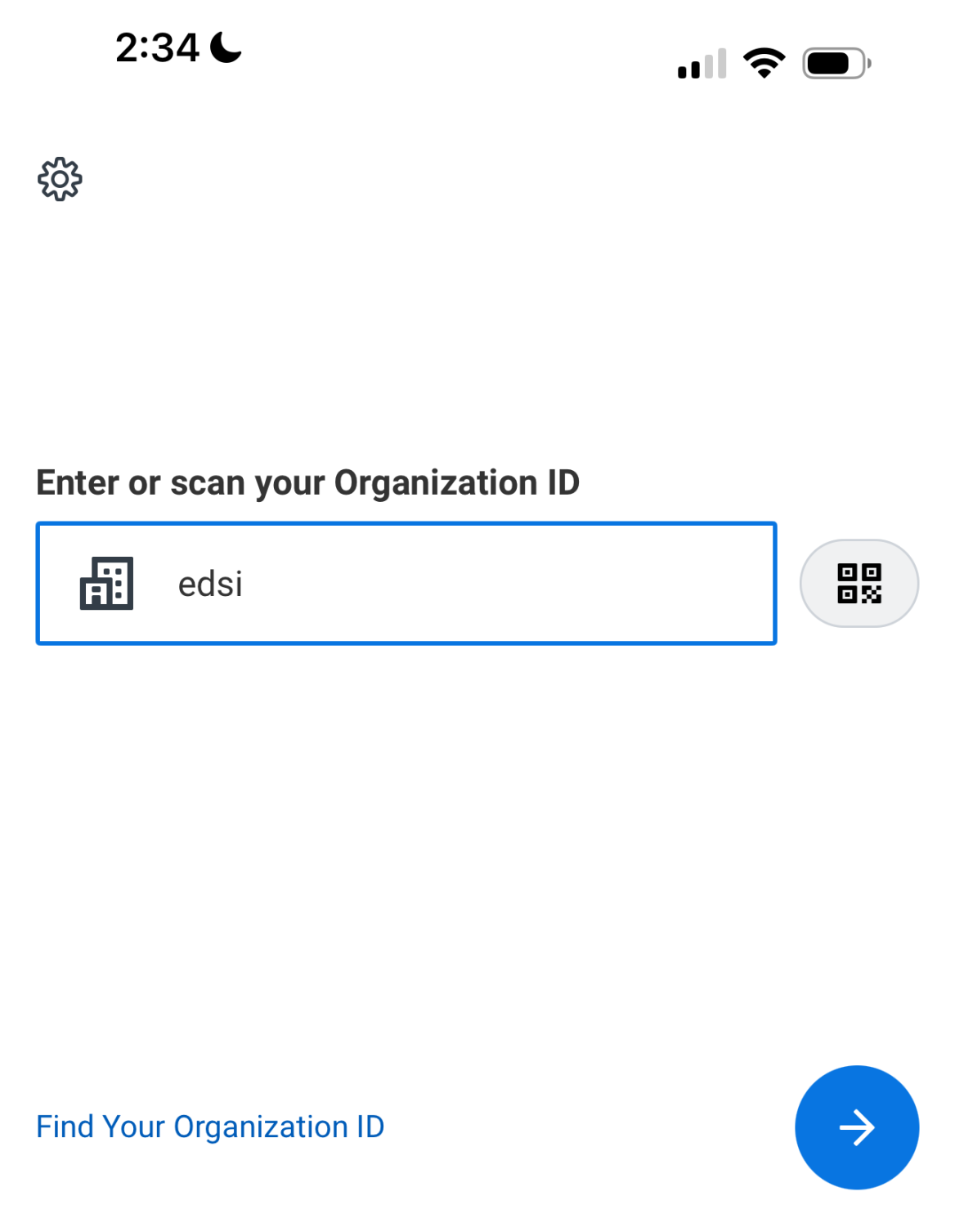
Workday Mobile App
Click here to access Workday!
CLICK HEREIf you are need of any assistance with Workday, please submit a ticket!
CLICK HERE